
100% Free Unlimited AI Upscaling
Free AI Image and Video Upscaling in Your Browser
Private AI upscaling for images and videos with fast local GPU processing, no uploads, and free unlimited use.
Why Use Upscale8
Local Processing
All image work happens on your device - no cloud involved.
Real-Time AI Upscaling
Boost image and video quality locally with fast browser-based AI models tuned for practical results.
Privacy First
Your photos stay yours - never uploaded, never stored.
100% Free
All features at no cost, no login, no hidden fees.
AI Image and Video Upscaling
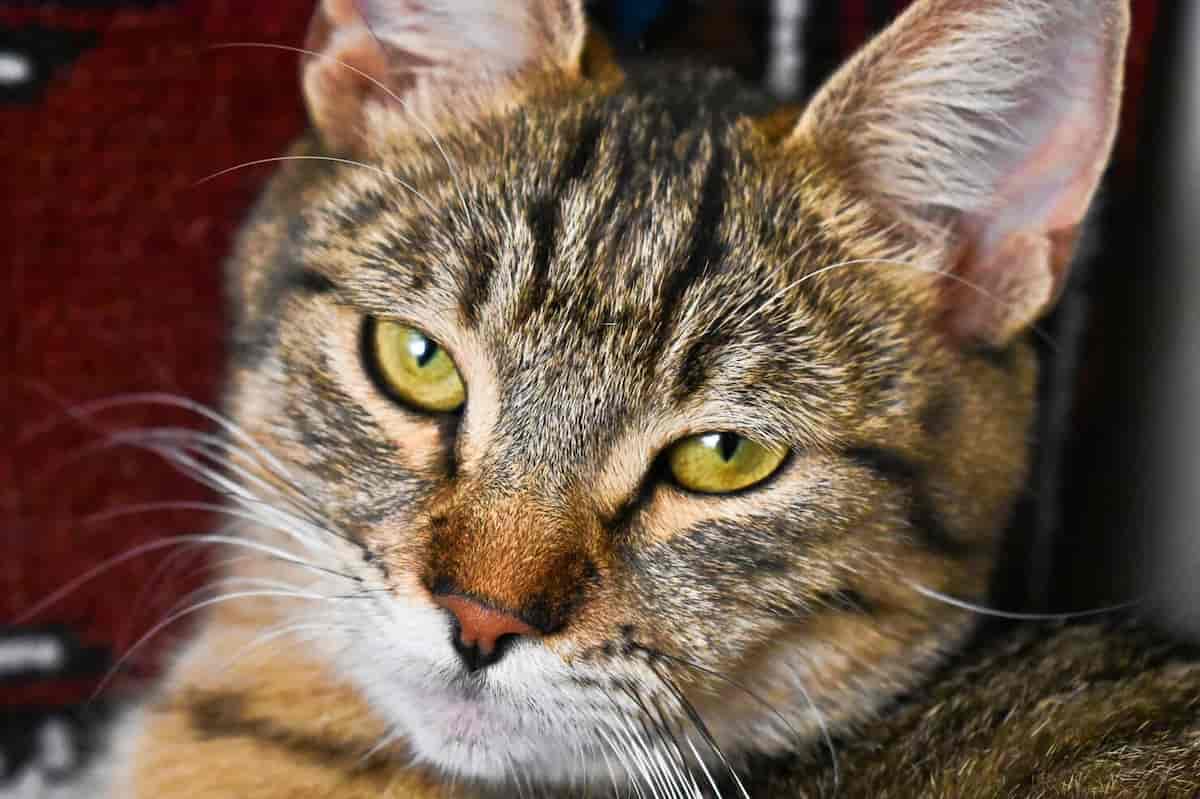
Smart model hint
For sharper and more natural results, set the content type before upscaling. Matching the right model helps preserve textures, outlines, and details.
Real-lifeAnime3D
Frequently Asked Questions
Everything you need to know about private image and video upscaling in Upscale8.
Is this really free?
Yes! The app is completely free to use.
Do you store my images?
No. All processing happens in your browser. Nothing is uploaded.
Do I need to install anything?
No. Just open the app in your browser and start enhancing.
What is WebSR?
WebSR is an AI-powered library that runs image and video upscaling directly in the browser.
Can I use it offline?
Yes, once the app is loaded, you can process images even without internet, depending on browser cache.
Why did my browser crash or show a "Size Exceeded" error?
Upscaling large images or long videos is memory-intensive. If your device or browser runs out of memory, processing may stop. Try using a smaller file, shorter video, or the Small network.
Why is the processing slow?
Everything happens locally on your device GPU. For the best speed, ensure "Hardware Acceleration" is enabled in your browser settings and use the smaller network when needed.